Everything you need to see the mess
- Unlimited scanning
- Unlimited exact-duplicate cleanup
- A full preview of every similar, burst, screenshot and low-quality group
- A first batch of cleanup in those categories
 Pristo™
Your photo library is full of near-identical shots, screenshots and blurry photos. Pristo finds them on your device and helps you keep the best one.
Review every group yourself before anything is removed. Photos never leave your device. Free to start, with an optional one-time Pro upgrade.
iPhone, iPad and Android are coming soon. Every download is the full free version.
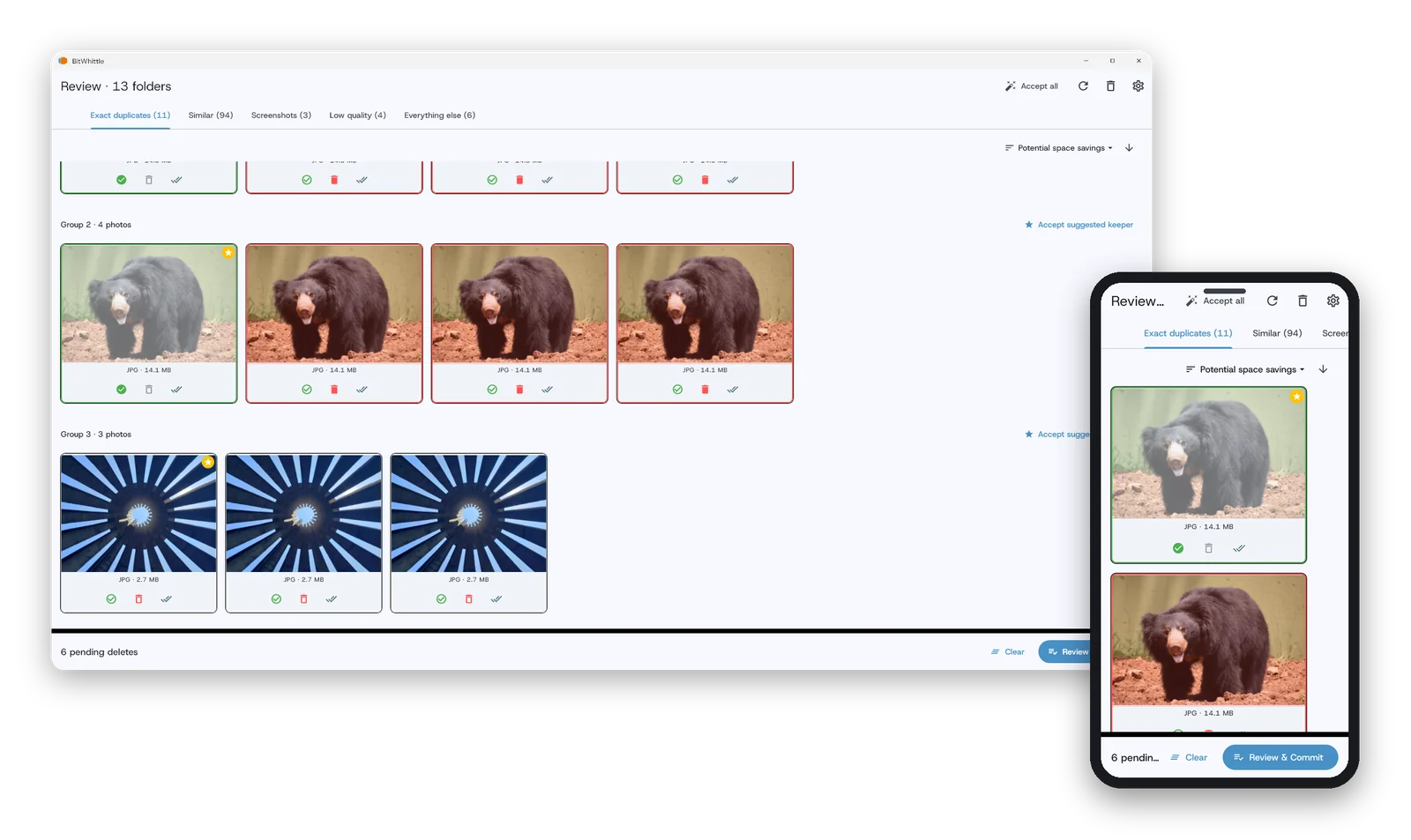
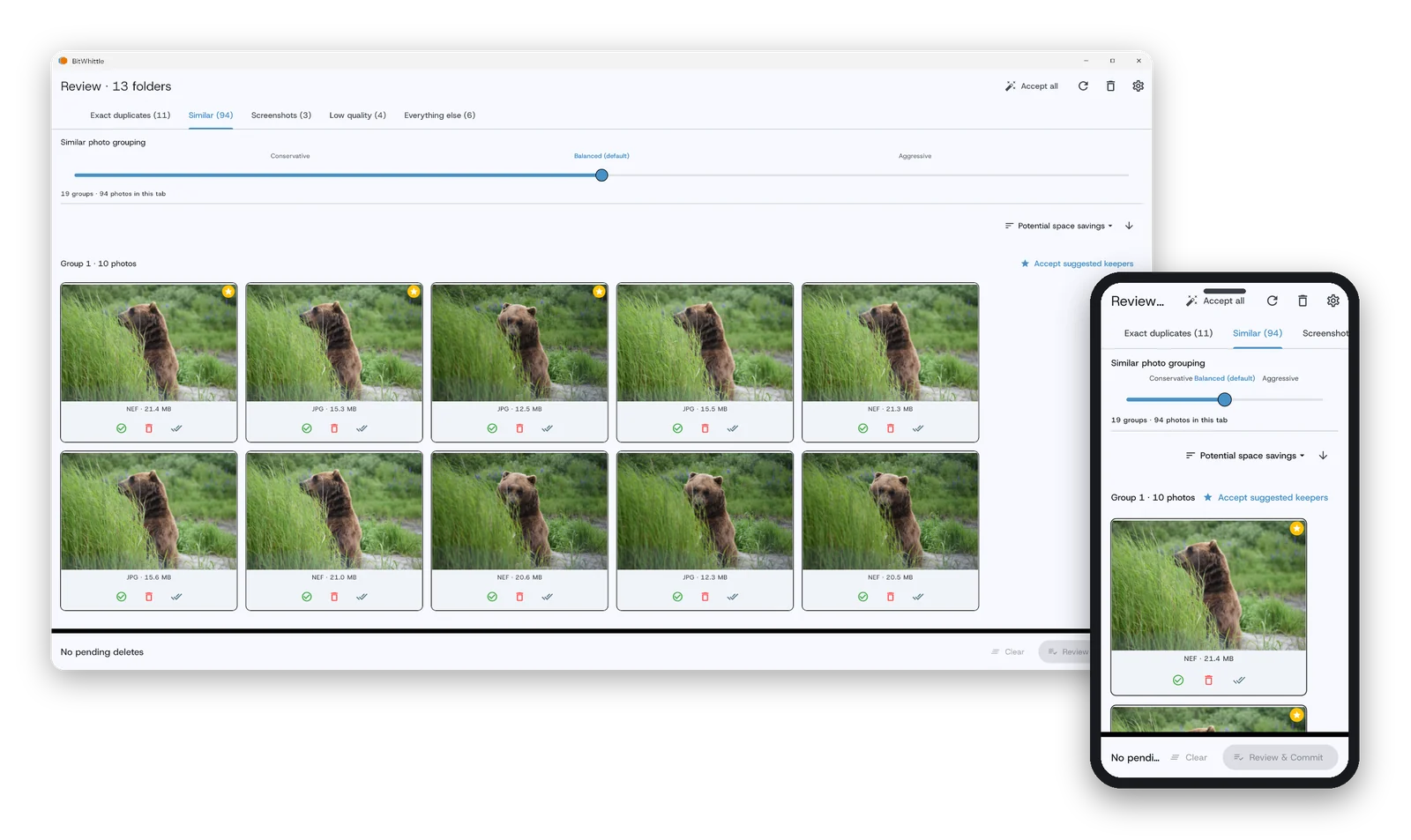
Exact copies are the easy part. Pristo also catches near-identical photos, then lets you decide how strict the matching should be.
Identical copies, however many there are, so the extras are easy to clear without second-guessing.
Bursts and lookalikes, including cropped, resized or re-saved versions, with the sharpest one suggested as the keeper.
Pick Conservative, Balanced or Aggressive, or set your own level when you want photos to group more or less loosely.
Matches are kept tight, so unrelated photos don’t quietly end up in the same group.
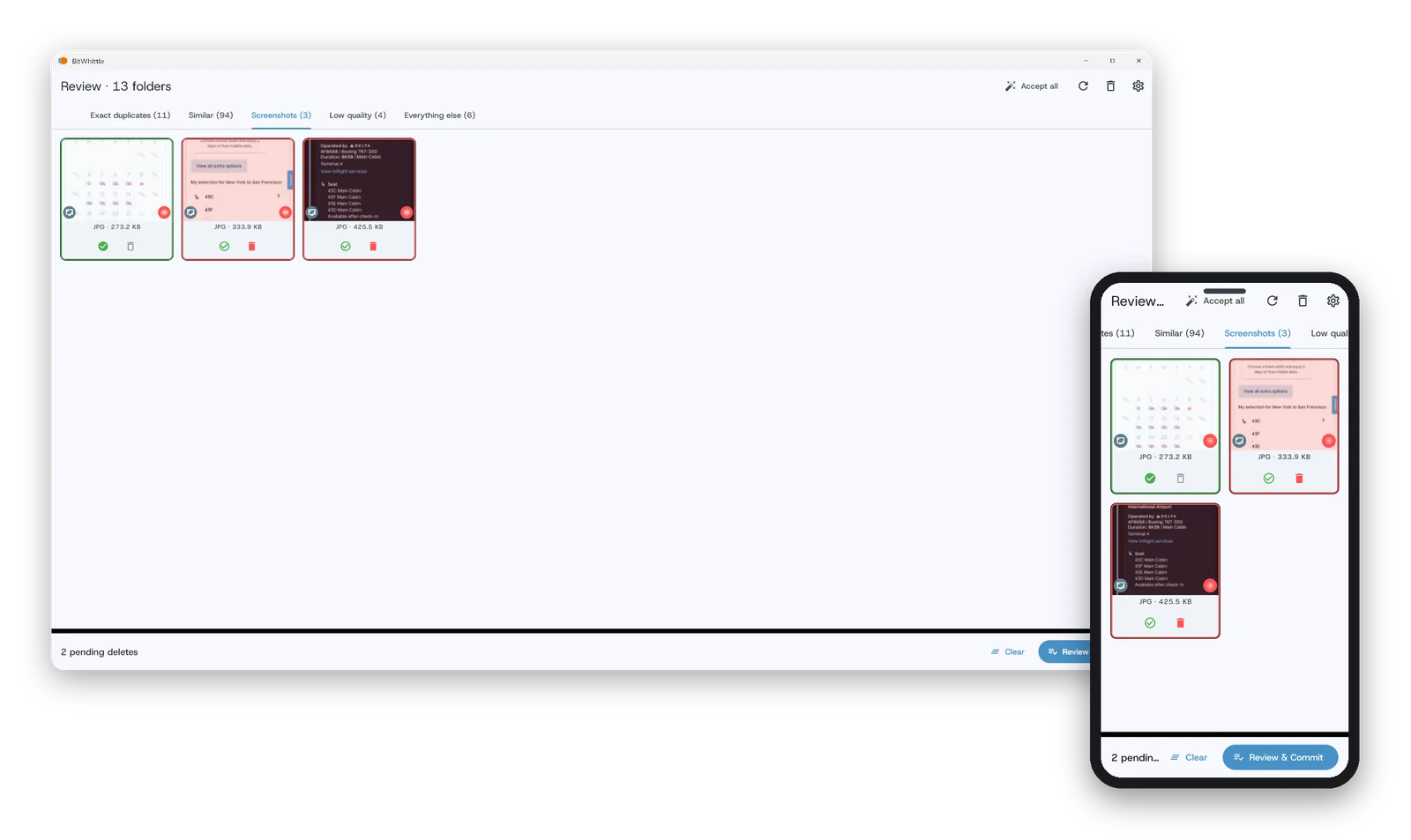
Phone cameras produce bursts, screenshots and the occasional disaster frame. Pristo knows the difference.
Rapid-fire shots are grouped automatically, so you review a burst as one set instead of a scattered pile.
The screenshots you took once and never looked at again get their own list.
Blurry, dark and pocket shots surface on their own, apart from the photos that deserve a real decision.
HEIC works as-is. RAW files sit alongside your everyday photos, and when a RAW and its JPG are both there, Pristo keeps the RAW by default.
Broad format support and a full translation, not just the basics.
Everyday formats (JPG, PNG, HEIC, TIFF, WebP and BMP) plus camera RAW from Nikon, Canon, Sony, Panasonic, Olympus, Pentax and Fujifilm, and Adobe’s DNG. Your camera library gets the same cleanup as your phone.
English, German, Spanish, French, Italian, Japanese, Korean, Portuguese (including Brazilian Portuguese), Russian, and Chinese (Simplified). Switch anytime in Settings.
Scan as often as you like, and see every group Pristo finds before you ever pay.
Scan your main library alongside an external drive and still keep the right copy.
Files that only live in OneDrive, Google Drive or iCloud are skipped rather than downloaded, unless you ask for them.
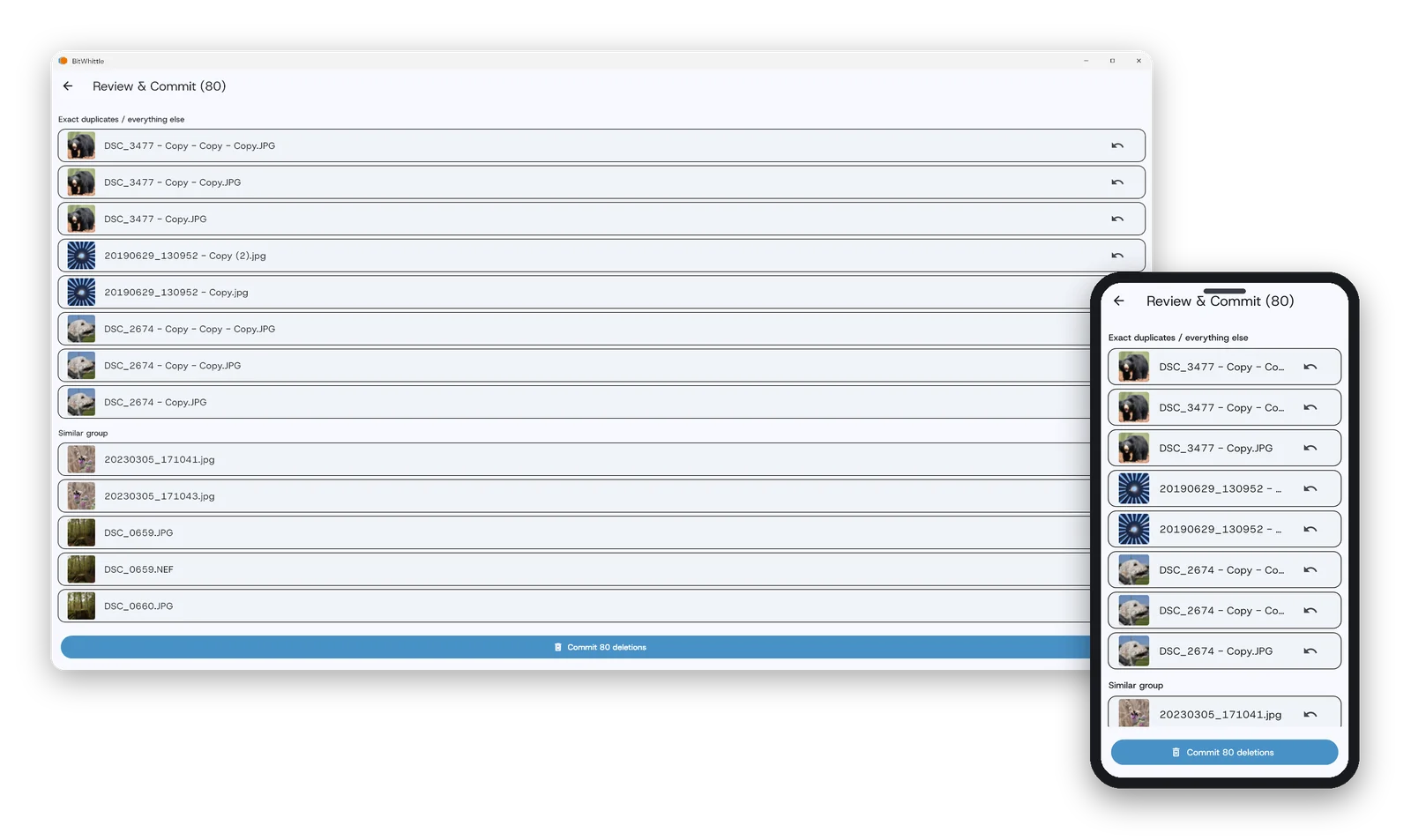
Pristo never deletes on its own judgment. Every removal is one you’ve seen and approved.
See the whole cleanup plan first: what would go, and why.
Flip through each group and swipe to keep or delete, or pick from a grid.
Mark a photo once and it stays off the list in every later scan.
Deleted photos go to the trash first, so a change of heart doesn’t mean a lost photo.
Scanning, matching and cleanup all happen on your device. Nothing is uploaded, and no account is needed.
Birthdays, trips and ordinary days you’d never get back shouldn’t hinge on software guessing. Pristo thins the clutter and leaves the final call to you.
A quick look at how photo cleanup tools typically work, and how this one does.
| Typical cleanup tools | Pristo | |
|---|---|---|
| Billing | Subscriptions that renew until you cancel | Free to use. Pro is a one-time purchase, never a subscription. |
| Getting started | Often limits what you can see before you pay | Unlimited scanning and a full preview of every group, no credit card |
| Account | Often needs an account to activate | No account. Install it and go. |
| Ads | Free versions often show ads or upsell banners | No ads, ever, on Free or Pro |
| Where photos are processed | Some upload your library to scan it | Entirely on your device. Photos never leave it. |
| Deleting | One-tap “clean now” with little review | You approve every deletion, and it goes to the trash first |
These describe common patterns across the category, not any one product.
Scan and preview everything before you pay anything. No credit card, no account.
Not a subscription. Pro is a one-time purchase. No renewals, no expiration. Get Pro for your computer.
The same review-first cleanup on your computer today, and on your phone soon.
Free to download. Nothing leaves your device.